In today’s digital world, smartphones store nearly everything:
-
Photos and videos
-
Chat history
-
Contacts
-
Work documents
But here’s the real question:
👉 Is your data actually secure?
If your phone is lost, damaged, hacked, or your cloud account is compromised,
your data can instantly fall out of your control.
More users are realizing:
👉 Data security is not just about backup — it’s about ownership.
Why Cloud Backup Isn’t Always Safe
Cloud storage is convenient, but it introduces hidden risks.

Your Data Is Stored by Third Parties
Uploading to the cloud means:
-
You don’t fully control storage methods
-
Data may be scanned or analyzed
-
There is always potential exposure
Single Point of Failure
Cloud services rely on accounts.
If your account is compromised:
-
All files are exposed
-
Contacts can be leaked
-
Personal data becomes vulnerable
Platform Dependency
-
No internet → no access
-
Policy changes → restricted access
👉 You don’t truly control your data
If you’re still relying on cloud storage, you may want to understand the risks first.
Is cloud backup really safe? Learn why more users are switching to local encrypted storage
The Core Principle: Keep Data Under Your Control

Modern data security follows one simple rule:
👉 Keep your data in your own hands
That’s why more users are choosing:
👉 Local storage + strong encryption
A practical solution:
👉 Smartphone + encrypted USB backup
Turn Your Phone Into a Portable Data Hub
With OTG support, smartphones can connect directly to USB drives.
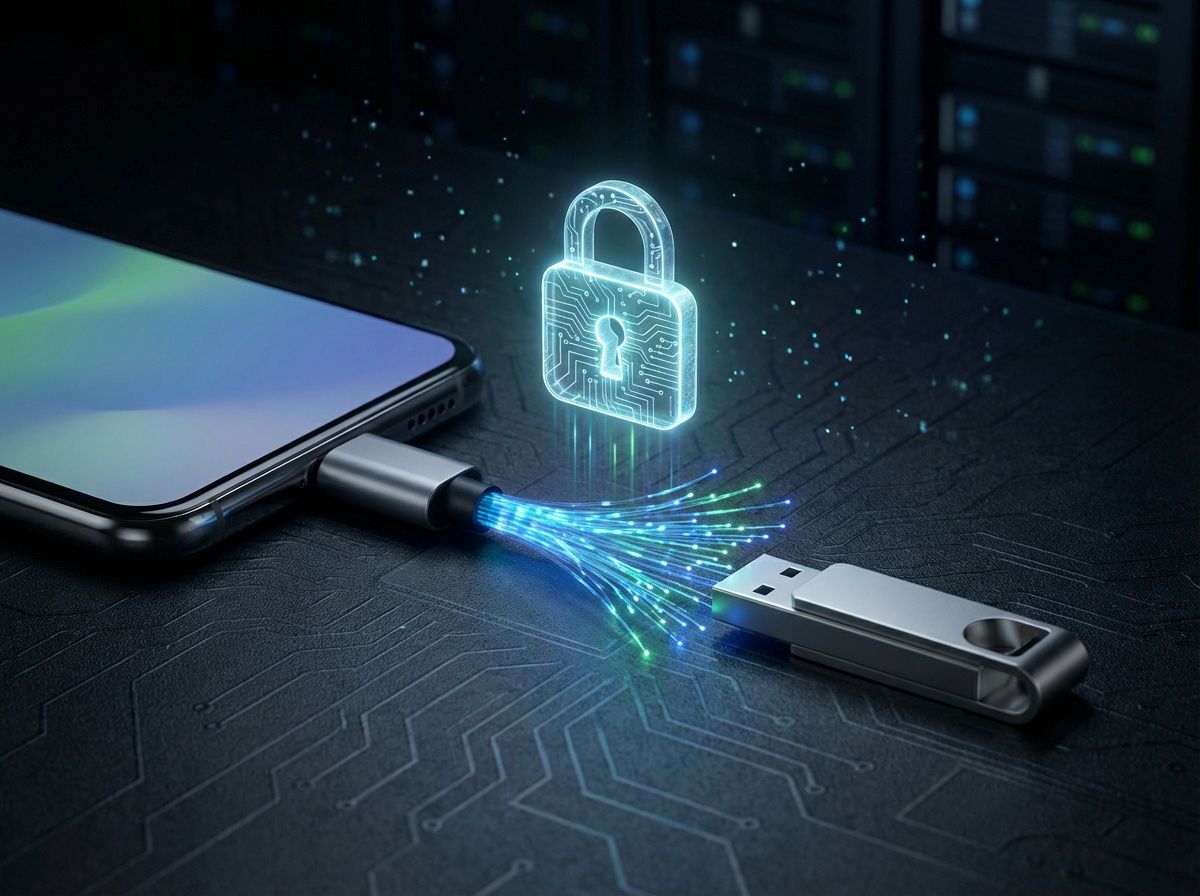
This enables:
-
Instant backup without a computer
-
No internet required
-
Full control directly on your phone
👉 Your phone + USB drive becomes a portable private storage system
Encryption: The Foundation of Real Security
Storing files on a USB drive is not enough.
Without encryption:
-
Lost USB = exposed data
-
Anyone can access your files
👉 The real protection is encryption
File-Level Encryption: Maximum Protection

Traditional encryption uses one password for everything.
👉 Risk: if broken, all data is exposed
A better approach:
👉 File-level encryption (one file, one key)
Benefits:
-
Each file has an independent key
-
No full data compromise
-
Strong isolation between files
Combined with AES encryption, this ensures:
👉 High-level data protection
Want to understand the core technology behind this approach?
Access Encrypted Files Without Decryption
Modern solutions remove complexity.
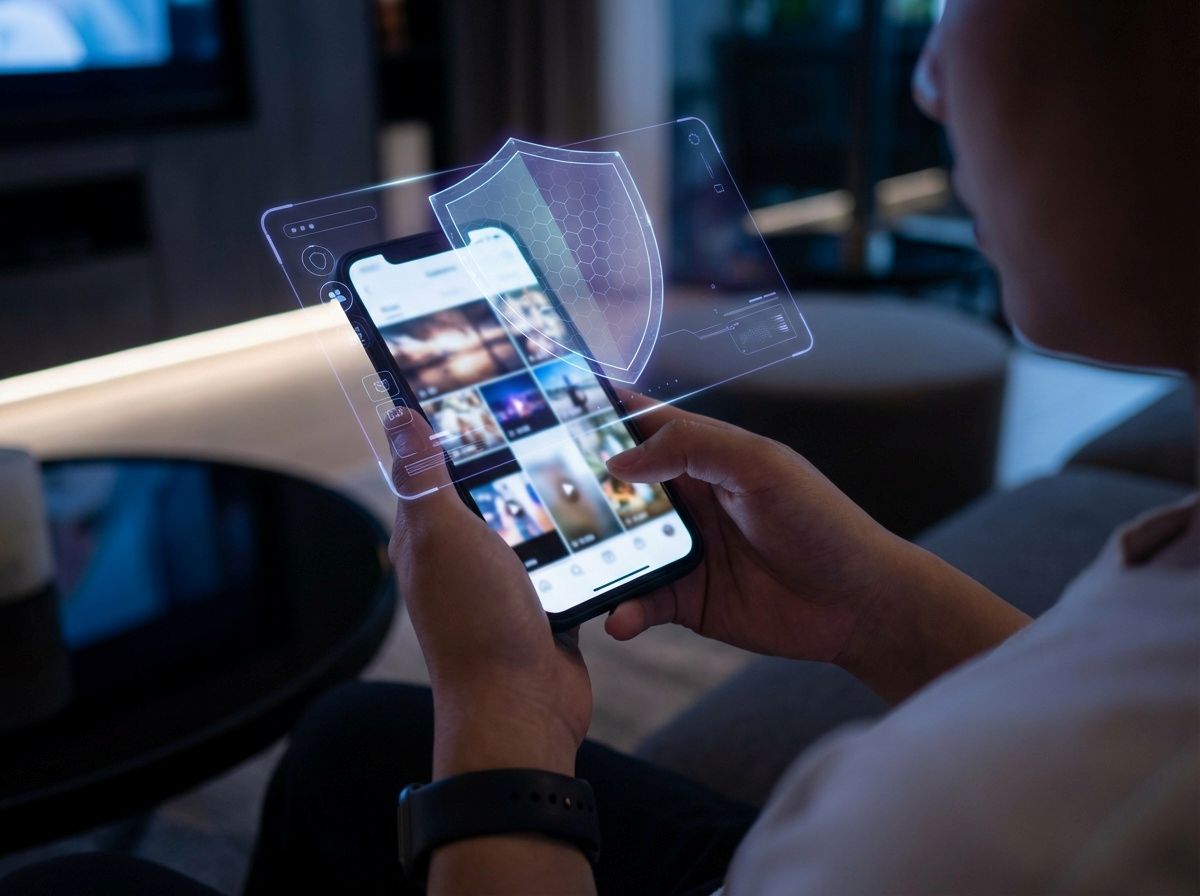
You can:
-
View encrypted photos
-
Play encrypted videos
-
Open documents directly
👉 No need to decrypt files locally
This means:
-
No data residue
-
Lower risk of leakage
Automatic Backup: Security Without Effort
Most data loss happens because backups are not consistent.
The solution:
👉 Automation
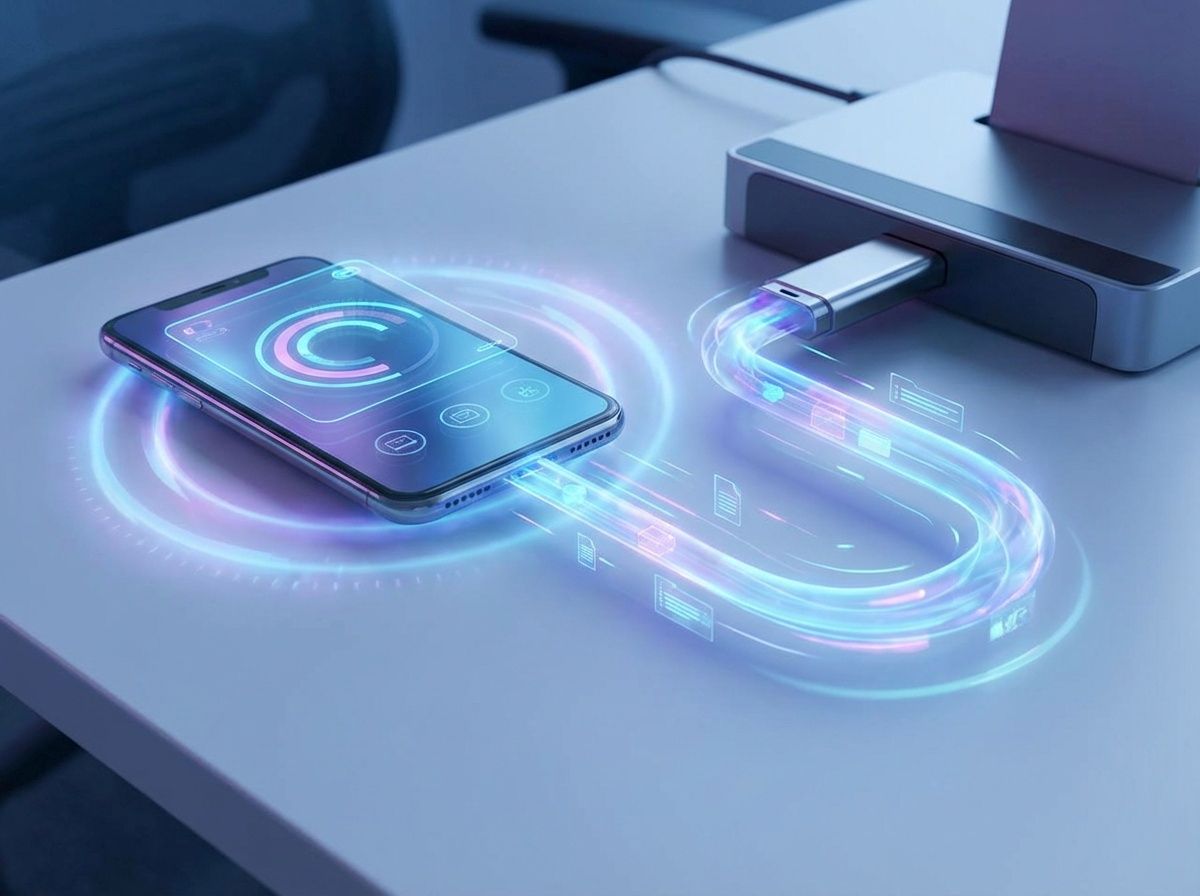
A good system will:
-
Detect new files automatically
-
Encrypt in real time
-
Back up incrementally to USB
👉 Security works in the background without user effort
Multi-Device Access: Data Moves With You
Users today have multiple devices:
-
Phones
-
Tablets
-
Computers
Instead of manual transfers:
👉 Use one encrypted dataset accessible across devices
Advantages:
-
No duplication
-
No migration
-
Always consistent
👉 Your data follows you—not your device
Contact Backup: The Most Overlooked Data
Contacts are often ignored—but extremely important.
A complete solution should include:
-
Automatic backup
-
Secure encryption
-
Smart merge across devices
-
One-click restore
👉 And most importantly: no cloud dependency
A Practical Solution
Solutions like Lumin enable:
-
Direct USB backup from smartphones
-
File-level encryption
-
Secure access without decryption
-
Cross-device data availability
This approach combines:
👉 Security + Control + Simplicity
What Real Mobile Data Security Requires
A reliable solution must include:
1. Local Storage
No reliance on cloud platforms
2. Strong Encryption
File-level encryption + AES
3. Ease of Use
Automatic backup + seamless access
Security Is a Choice
Data security is not just technical—it’s a decision:
👉 Trust third parties
or
👉 Take full control
If you value:
-
Privacy
-
Data ownership
-
Long-term security
Then:
👉 Encrypted USB backup is a future-proof solution
❓ FAQ
Is USB backup safer than cloud storage?
Yes. USB backup keeps your data locally, reducing exposure to third-party risks. When combined with encryption, it provides significantly higher control and privacy.
What is file-level encryption?
File-level encryption means each file is encrypted with a unique key. Even if one file is compromised, other files remain secure.
Can I use encrypted files easily?
Yes. Modern solutions allow you to view and use encrypted files without manually decrypting them.
Do I need internet for USB backup?
No. USB backup works completely offline, making it ideal for travel and secure environments.
Take Control of Your Data Today
Protect your mobile data with encrypted USB backup and file-level encryption. Keep every file secure, fully under your control, and accessible anywhere — no cloud required.